
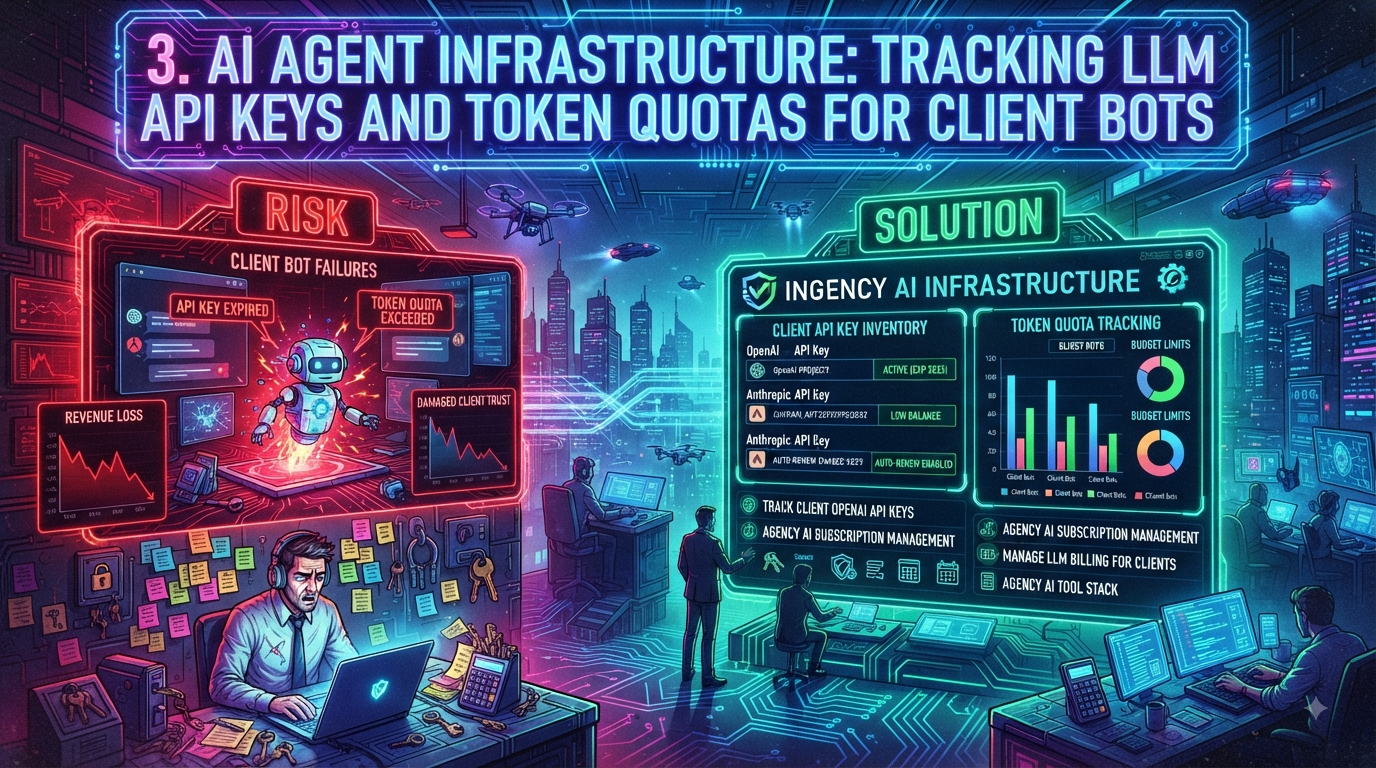
AI Agent Infrastructure: Tracking LLM API Keys and Token Quotas for Client Bots
When digital agencies and software consultancies build custom AI chatbots, Retrieval-Augmented Generation (RAG) pipelines, or autonomous agent workflows for clients, the primary focus is usually on prompt engineering, vector database retrieval, and front-end user experience. Once an AI feature moves from staging to production, though, a much less glamorous problem shows up: AI infrastructure asset management.
Unlike a static domain or an annual hosting contract, Large Language Model (LLM) API keys from providers like OpenAI, Anthropic, and Google operate against monthly billing thresholds, token-based rate limits, tier-based throughput caps, credit card authorizations, and periodic rotation schedules. When a key expires, a spend cap is reached, or a payment method fails, the client's AI feature usually doesn't display a helpful error. It just breaks — sometimes silently, sometimes with a generic fallback response that quietly erodes user trust.
This guide covers how agencies manage LLM billing for clients, track API keys across a growing AI tool stack, and build an SOP that catches problems before clients do — including where a renewal-tracking platform like InstaRenewal genuinely helps, and where it doesn't.
1. The Silent Failure Dilemma: Why AI Assets Are Different
In traditional web development, infrastructure failure is usually binary and loud. A lapsed domain stops resolving. A crashed server triggers an uptime alert. AI agent infrastructure introduces a more fragmented failure mode. A customer-facing agent typically depends on a chain of independent cloud dependencies:
[User Input] → [Vector DB API Key] → [Embedding API Key] → [Primary LLM API Key] → [Fallback LLM Key] → [User Output]If any single key or quota in that chain lapses, the whole pipeline can degrade or collapse — and because each provider fails differently (a 429 rate-limit error, a 401 authentication error, a silently-throttled response), the symptom the end user sees rarely points back to the actual cause.
       +-----------------------+
       |     User Prompt Sent    |
       +-----------+-----------+
                   |
                   v
       +-----------------------+
       | Vector Search (Pinecone)| ──► (Valid Key)
       +-----------+-----------+
                   |
                   v
       +-----------------------+
       |   LLM API Request      | ──► ❌ RATE LIMIT / SPEND CAP / EXPIRED KEY
       +-----------+-----------+
                   |
                   v
   +-------------------------------+
   |   Silent Pipeline Breakdown    |
   |  (Client sees a blank/degraded |
   |         response)              |
   +-------------------------------+
This isn't a hypothetical risk. Credential sprawl tied specifically to AI services is accelerating faster than the rest of the software supply chain. GitGuardian's 2026 State of Secrets Sprawl report — its fifth annual edition, based on a scan of public GitHub activity plus enterprise and incident-response data — found that leaked secrets tied to AI services jumped 81% year-over-year in 2025, reaching just over 1.27 million exposed credentials, against a backdrop of 28.6 million total hardcoded secrets found on public GitHub that year (a 34% increase and the largest single-year jump the report has recorded). Perhaps more relevant to an agency's day-to-day risk: GitGuardian also found that 64% of secrets confirmed valid in 2022 were still active and exploitable in January 2026 — meaning old, forgotten API keys don't expire from risk just because nobody's looked at them in years.
The Real Root Causes of AI Asset Failure
1. Spend caps that don't behave the way teams assume. Most providers let you configure a monthly budget number, but "budget" and "hard stop" are not always the same setting. As of 2026, OpenAI's own documentation distinguishes spend alerts, which only send a notification and do not interrupt traffic, from a separately configured hard spend limit, which does return a 429 error (organization_spend_limit_exceeded or project_spend_limit_exceeded) once tracked spend crosses it — and even that enforcement isn't instantaneous, so recorded spend can slightly overshoot the configured cap. Teams that set only the notification-style budget, assuming it functions as a cutoff, can be surprised when a client's bill keeps climbing well past the number they configured.
2. Expired or declined payment methods. Corporate cards tied to a provider billing account expire, hit limits, or get flagged by fraud detection during automated top-ups — a mundane failure mode that's easy to miss until an agent goes dark mid-project.
3. Secret key rotation without notice. Security-conscious clients increasingly enforce their own key rotation policies. If a client rotates a key in their own developer portal without telling the agency, a production agent fails immediately and without warning.
4. Rate-limit throttling under load, not "tier demotion." It's a common misconception that a provider account gets automatically demoted to a lower tier if a prepaid balance runs to zero. In OpenAI's current system, usage-tier upgrades are based on cumulative historical spend and account age, not your current balance — spending a cumulative $50, for example, moves an account to Tier 2 even if the balance is later drawn down to $0. The real, more common failure is simpler: a burst of traffic exceeding the requests-per-minute or tokens-per-minute ceiling for your current tier, returning 429 errors until the per-minute window resets.
2. The Cost Attribution & Profitability Trap
Managing LLM billing for clients raises a fundamental agency question: who owns and pays for the API key?
Most agencies building custom AI workflows land on one of two billing structures, and both carry real financial and operational risk if they aren't backed by structured tracking.
| Metric | Agency-Owned API Key Model (Reseller / Bundle) | Client-Owned API Key Model (Direct Delegated) |
|---|---|---|
| Primary Account Holder | The agency (master org account) | The client (client's own billing account) |
| Revenue Strategy | Value-add markup, bundled into a Care Plan | Pure service/development fee |
| Financial Risk | High — usage spikes can erase project margin | Low — client pays the provider invoice directly |
| Operational Risk | Moderate — centralized key management, single bill | High — depends on the client's billing team keeping cards current |
| Key Failure Mode | Agency card fails, or org-wide quota exhausted | Client key hits its spend cap, or client rotates the secret without notice |
| Attribution Requirement | Mandatory — must track usage per client via project-level keys | Mandatory — must audit key health and who has access |
The Margin Leakage Problem
In the agency-owned model, the agency issues distinct project- or workspace-scoped keys to each client from a master account. Without strict cost attribution, this creates two common leaks:
- The heavy-user discrepancy. A client on a flat $300/month retainer for a custom internal knowledge bot might, during a heavy-usage month, actually consume more than that in raw model API calls. Without per-client token tracking, the agency effectively subsidizes that client's usage without realizing it.
- Orphaned test keys. Developers generate temporary keys during staging and benchmarking. If those keys stay active — still receiving automated test pings from a forgotten cron job or CI pipeline — they quietly accrue cost long after the project phase that created them has ended.
3. The Modern Agency AI Tool Stack
A production-grade AI deployment touches several distinct layers, each with its own credentials, renewal cadence, and monitoring needs:
+-----------------------------------------------------------------------+
|                         AGENCY AI TOOL STACK                          |
+-----------------------------------------------------------------------+
|  1. Foundation Model Providers (LLMs)                                 |
|     • OpenAI (GPT-5.6 family, embeddings, realtime/voice models)      |
|     • Anthropic (Claude Opus, Sonnet, and Haiku model families)       |
|     • Google (Gemini 3.x family via Gemini API / Vertex AI)           |
|     • Open-weight models via Together.ai, Groq, or self-hosting       |
+-----------------------------------------------------------------------+
|  2. Vector Databases & Knowledge Storage                              |
|     • Pinecone / Qdrant / Weaviate / Milvus / Supabase pgvector       |
+-----------------------------------------------------------------------+
|  3. Orchestration & Workflow Engines                                  |
|     • LangChain / LlamaIndex / n8n / Make.com / Flowise / Langflow    |
+-----------------------------------------------------------------------+
|  4. Observability, Cost Tracking & Guardrails                         |
|     • LangSmith / Helicone / Portkey / Phoenix / Guardrails AI        |
+-----------------------------------------------------------------------+
|  5. Renewal & Ownership Tracking (adjacent infrastructure)            |
|     • InstaRenewal — domains, SSL/TLS, hosting, and plugin licenses   |
+-----------------------------------------------------------------------+
Model naming in this space moves fast, so it's worth double-checking the current lineup before assuming a model name from even six months ago is still available. As of August 2026, OpenAI's flagship line is GPT-5.6, shipped across three tiers — Sol, Terra, and Luna — with GPT-4o and the o-series reasoning models retired from general availability earlier in the year. Anthropic's current lineup includes the Claude Opus, Sonnet, and Haiku model families. Google's Gemini 3.x line includes Gemini 3.6 Flash and Gemini 3.1 Pro as generally-available options, with Gemini 2.5 scheduled for shutdown in October 2026 — a useful reminder to build model-deprecation checks into any agency SOP, not just for OpenAI.
When an agency scales to managing 20 or 30 client AI deployments across that stack, tracking it via spreadsheets or developer memory stops being viable.
4. Step-by-Step SOP: Building an AI Infrastructure Tracking Protocol
Step 1: Standardize Key Generation & Project Isolation
Never share a single global API key across multiple client deployments.
- OpenAI: Create a dedicated Project per client inside the organization (e.g.,
Client-AcmeCorp-Production). Projects support their own scoped API keys, per-project rate limits, and per-project spend limits, isolated from other clients' usage. - Anthropic: Create a dedicated Workspace per client. Workspaces support their own API keys and usage tracking, with rate-limit overrides and spend limits configurable at the workspace level — note that granular per-user monthly spend limits are currently a feature specific to the Claude Code workspace, not every workspace type.
- Azure OpenAI: Provision separate deployments and resource groups per client to keep billing and quota boundaries clear.
Step 2: Set Both an Alert and an Actual Hard Limit
Because "budget" and "hard stop" aren't always the same control, treat them as two separate steps:
- Soft alert (e.g., 75% of monthly budget): A notification-only threshold that triggers an internal review, not a shutoff. Useful as an early warning, not a safety net.
- Actual hard limit: Separately configure the provider's real spend-enforcement setting (OpenAI's project- or org-level hard spend limit; a prepaid-credit balance with auto-recharge disabled; or a gateway sitting in front of the API that enforces a real-time cutoff). Confirm which setting your provider treats as enforceable before relying on it in front of a client account.
Step 3: Implement Fallback Model Routing
Configure automated fallback routing in the application or orchestration layer (n8n, LangChain, or a gateway like Portkey). If the primary model API fails on a 429 or 401, the application should fail over to a secondary provider and alert the engineering team. Anthropic's Rate Limits API, released in April 2026, is a useful building block here: it lets admin tooling read an organization's and each workspace's configured limits over HTTP instead of hand-copying numbers from a console, which helps a gateway or alerting system stay in sync as limits change.
Step 4: Conduct Monthly AI Asset Audits
On a fixed monthly cadence:
- Reconcile provider invoice costs against client retainer invoices.
- Revoke inactive, staging, or developer-assigned test keys.
- Verify client-owned payment methods have several months of remaining validity.
- Review each provider's model deprecation schedule so code updates land before a legacy model endpoint is retired.
5. Where InstaRenewal Fits — and Where It Doesn't
It's worth being precise here, because the AI stack above is exactly the kind of sprawl that invites confusion about which tool owns which job.
InstaRenewal is built to track renewal and expiration dates for the digital assets agencies already manage on behalf of clients: domains, SSL/TLS certificates, hosting accounts, and plugin or software licenses — along with who owns each asset and who's paying for it. That's genuinely useful for the parts of an AI project that touch those categories: the subdomain an agent runs on, the SSL certificate in front of an API gateway, or the hosting account for a self-managed vector database. InstaRenewal keeps those renewal dates and ownership records next to the rest of a client's digital footprint, so they don't get orphaned when a project hands off between team members.
What InstaRenewal is not: a secrets vault, an IAM platform, a security monitoring system, or a SaaS spend manager. It doesn't store or rotate provider API keys, doesn't poll OpenAI, Anthropic, or Google billing APIs for real-time token consumption or spend-cap status, and isn't a substitute for the observability layer (Portkey, Helicone, LangSmith, or a provider's own usage/cost API) that tells you whether a client's agent is about to hit a rate limit tonight.
For the LLM-specific layer of the SOP above — key storage, live spend monitoring, rotation reminders for provider secret keys — agencies still need a dedicated secrets manager or password manager (1Password, Bitwarden, or similar) plus a usage-monitoring tool built for API telemetry. InstaRenewal's role is narrower and complementary: make sure the vendor relationship itself — which provider, which client, who owns the contract, when the plan or card renews — is logged as a line item in the same dashboard where the domain, SSL, hosting, and plugin renewals already live, instead of disappearing into an individual developer's personal accounts when they leave the project.
6. Checklist: Onboarding a New Client AI Agent
- [ ] Determine the billing model: agency-owned vs. client-owned API account.
- [ ] Create an isolated environment: a dedicated Project (OpenAI) or Workspace (Anthropic) per client.
- [ ] Set spending controls correctly: configure a notification-only alert and the provider's actual hard-stop mechanism — don't assume the "budget" field is the hard stop.
- [ ] Add a backup payment method to the provider billing account.
- [ ] Store the API key in a secrets vault (1Password, Bitwarden, or a dedicated secrets manager) — not in a shared doc, and not in a renewal tracker.
- [ ] Log the vendor relationship in InstaRenewal: provider, client, contract owner, plan renewal date, and payment-card expiration, alongside the client's other digital assets.
- [ ] Set a key rotation reminder in your secrets vault or task-management tool.
- [ ] Configure application fallbacks to a secondary provider in the agent's codebase.
- [ ] Test rate limits and failover behavior under load before go-live.
7. Conclusion
As generative AI features become a standard part of client deliverables, the agencies that avoid emergency support tickets will be the ones that treat model API keys with the same operational discipline as any other production dependency: isolated per client, monitored with tools built for that specific job, and audited on a fixed schedule — not tracked by memory or a scattered mix of personal accounts. A renewal-tracking platform like InstaRenewal has a real, if narrower, role in that picture: keeping the ownership and renewal record straight for the infrastructure sitting around the AI layer, so that piece of the stack doesn't become the next thing nobody remembers to check.
---
Sources
- GitGuardian — The State of Secrets Sprawl 2026
- The Hacker News — The State of Secrets Sprawl 2026: 9 Takeaways for CISOs
- GitGuardian — 2026 report press release
- OpenAI — Spend limits documentation
- OpenAI — Production best practices
- OpenAI — Managing projects in the API platform
- OpenAI — Rate limits documentation
- TokenMix — OpenAI API Billing 2026: Credits, 5 Tiers, Auto-Recharge
- Anthropic — Workspaces documentation
- Anthropic — Rate Limits API documentation
- AI Codex — The Rate Limits API: read your org limits in code
- ScriptByAI — OpenAI & ChatGPT Timeline: GPT Release Dates to GPT-5.6 (2026)
- DecodingDataScience — OpenAI August 2026 model directory
- Google AI for Developers — Gemini API release notes
- Google AI for Developers — Gemini API models
Note on sourcing: model names, pricing, and provider billing mechanics in this space change frequently. Verify current model availability and enforcement behavior in each provider's official documentation before publishing or acting on specific numbers.